Simple to Set Up. Easy to Manage.
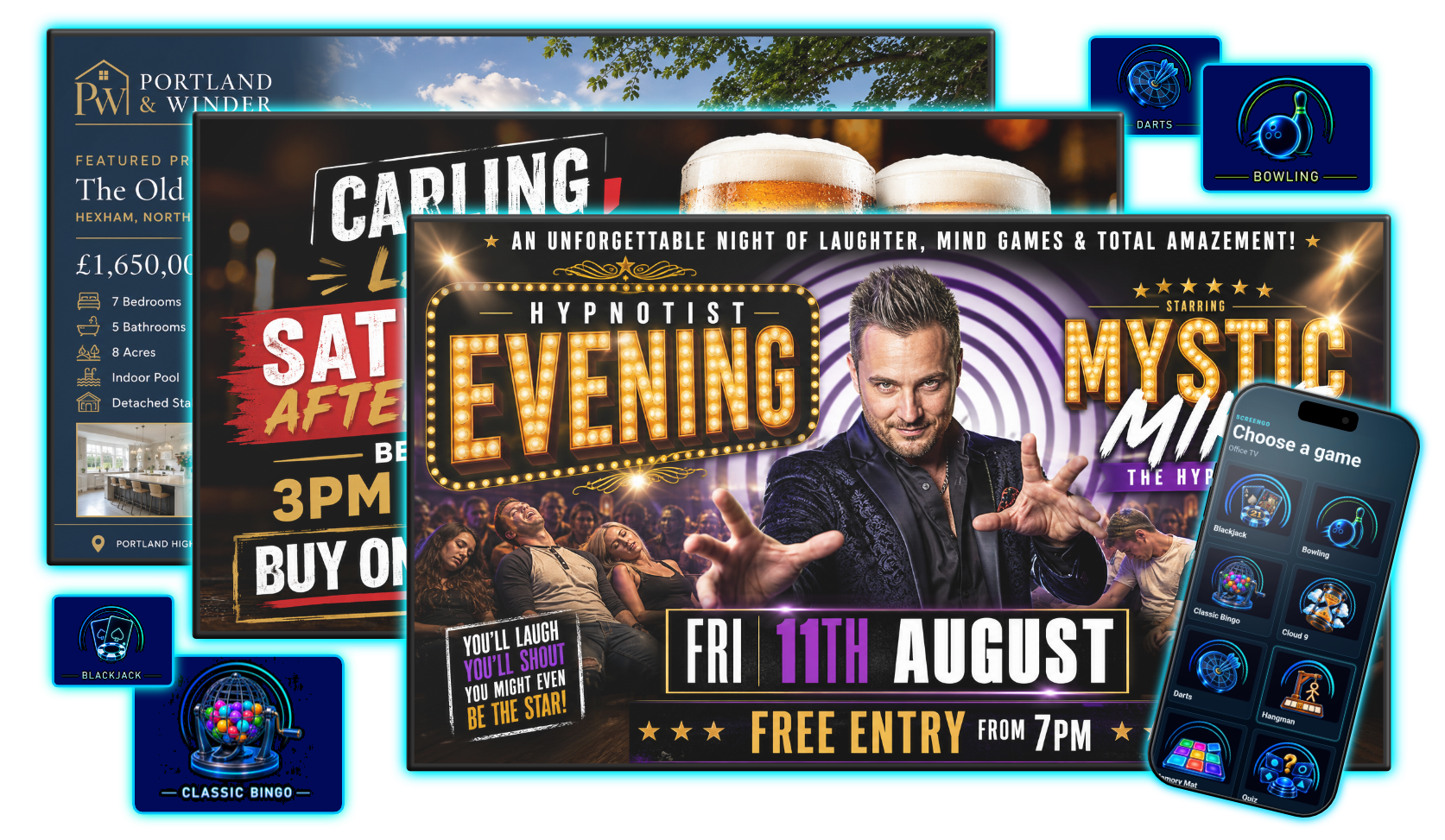
ScreenGo brings digital signage, information and interactive entertainment together in one easy-to-manage platform. Connect your screens, choose what you want to show and manage everything online,
whether you have one screen in a single venue or an entire estate across multiple locations.
Take control of ScreenGo from anywhere through our intuitive web portal. Upload content, manage screens, create schedules,
launch games, update messages and control what’s displayed across your venues, all from one place.
There’s no complicated software to install or specialist knowledge required. Simply log in through your web browser to make changes whenever you need to,
from wherever you are.